



How to
Your first step starts with a message to Teacher Yolandi on WeChat.

Follow these simple steps!
I'll guide you through each step and help you find the right starting point.
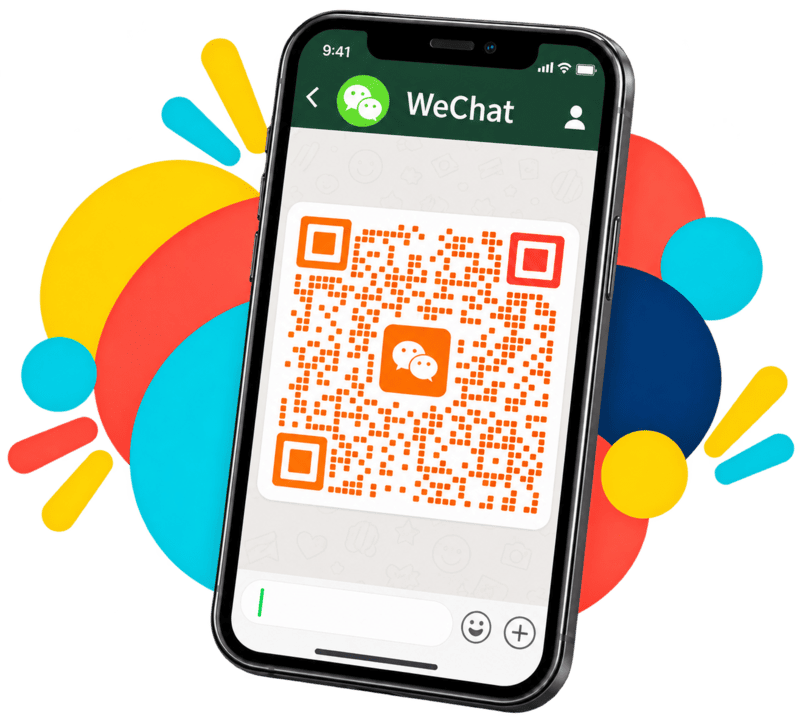
SCAN THE QR CODE TO CONNECT ON WECHAT
Scan my WeChat QR code and add me as a friend. This is your first step towards arranging your English lessons.
TALK WITH ME TO DISCUSS YOUR NEEDS
Message me directly. We'll discuss the learner's current English level, needs, goals, and any other helpful background.

AGREE ON THE LESSON PLAN
We'll discuss the fee per lesson and which teacher would be a good fit for the learner's level and needs.

CHOOSE A TIME AND RECEIVE YOUR BOOKING LINK
Once we have agreed on the plan, I'll send you the booking link through WeChat. Use it to choose a teacher and an available time slot.

RECEIVE YOUR CLASS LINK
Complete your booking and receive your class link on WeChat and details for your upcoming online English lesson.

Take the First Step
Add me on WeChat and send me a message.